
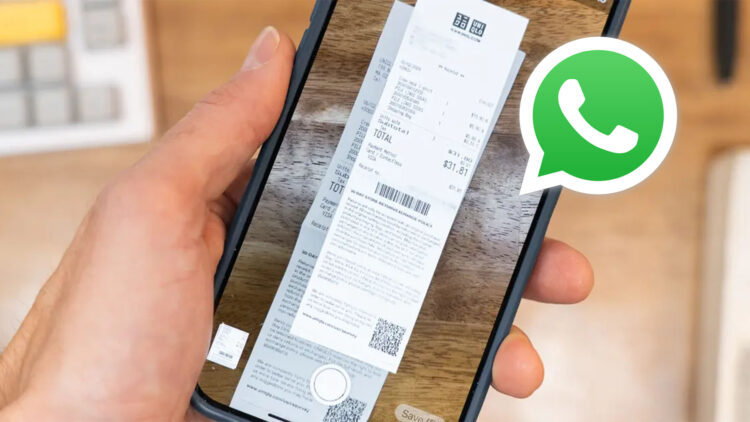
To reduce the need for additional apps, Meta Platforms’ WhatsApp has included a useful document scanning feature. Convenient yes, but also brings up significant issues regarding cybersecurity, digital privacy, and the protection of personal data, particularly in countries like Mexico, where numerous services require identity proof like a passport, birth certificate, INE, CURP, or RFC.
Sharing scans of private documents can put you at risk of identity theft, digital scams, or cyber fraud if they end up in the wrong hands, according to websites like Techbit. A significant increase in WhatsApp-related scams and account takeovers, where personal information is used to trick contacts, was even reported by the Citizen Council for Security and Justice (CCPSJ).
Although the feature is helpful, you should only share essential information with individuals you can trust and with WhatsApp security turned on. Be especially cautious if the files (statements, cards, and proofs of payment) have anything to do with digital banking.
Things you should consider before scanning
Although not all documents are dangerous, it’s always important to understand which ones are:
Data from personal identification documents, like passports, birth certificates, CURPs, RFCs, medical records, military cards, and INEs, can be used to support fraudulent applications or identity theft.
The leak of financial documents, like purchase tickets,bankstatements, credit/debit card photos, payment receipts, and loan documents, may end up in cyber fraud because they are directly linked to digital banking.
Sensitive information can also be found in legal files (claims, filings, notices) and school/work documents (report cards, identification, tuition records, licenses, scholarship letters).
You have no control over whether a scan is saved, downloaded, or forwarded once it is in a chat. A credible digital scam can be created using information that is already available online, like your full name, address, and phone number, with just a simple photo of your passport or INE.
And, if your account gets hacked, someone can pretend to be you and ask for money or documents from your contacts. Better consider every share to be an intentional decision.
Simple rules to protect your documents
- Share only with people you can trust: Call to double check. One common route to identity theft and cyber fraud is impersonation.
- Use the disappearing messages: Set up timed messages to delete files automatically. This simple WhatsApp privacy option reduces exposure in the future.
- Delete duplicates: After you’re finished, take the file out of the chat window and the gallery on your phone.
- Create a backup in a secure location: To securely remove it from WhatsApp, store a copy in your email or a locked document app.
-
Redact banking information: Never send sensitive codes or full card information, and conceal unnecessary numbers for anything related to digital banking.
-
Verify document requests: Use an official channel to confirm requests for documents like a birth certificate, passport, INE, CURP, or RFC made over chat. Digital scammers regularly use urgency to rush you.
- Make your account more secure: Set alerts, check active sessions, activate two-step verification, and update the app. These basics improve daily cybersecurity.
- Consider the “afterlife” of the file: Who else has access to it? Is it going to be kept somewhere? How long? These inquiries are the first step towards effective personal data protection.
Safer sharing and smarter scanning
Keep these three routines in mind: First, use WhatsApp’s security features (disappearing messages, two-step verification). Then, share only what is essential with people you can trust, and then clean up copies afterward. and finally, consider any unexpected request a warning sign and confirm with a official procedure.
This way, you and your contacts can enjoy the comfort of scanning while protecting your personal information.