
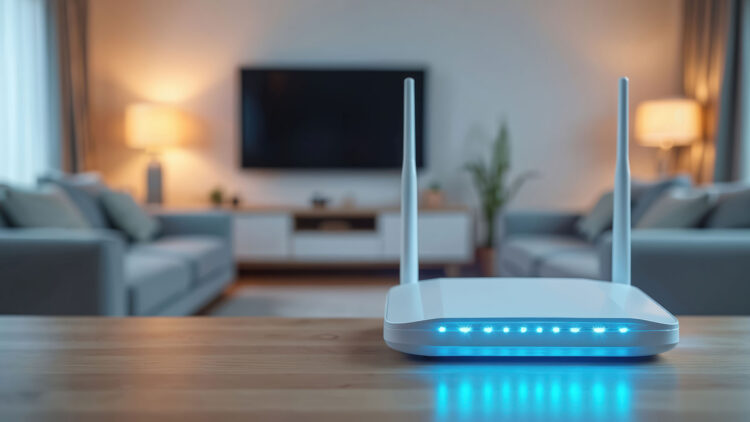
When the WiFi starts getting slow, we first think it might be a problem with the provider. But truth is that many times the issue doesn’t come from the outside. Yes, sometimes the router’s position or even the objects around it can interfere and weaken your internet connection.
Actually, one of the main suspects are usually the ones we ignore the most: Bluetooth, headphones, speakers, watches, or remote controls. They all compete in the same race with the WiFi and the overlap can cause interference.
Separating the devices can always help, choosing 5GHz frequency instead of 2.4 GHz frequency is also an option. But it’s not just about devices, appliances can affect the internet’s power as well: microwaves, mirrors, walls, or even big amounts of water accumulated.
Little habits can reduce these interruptions and make all devices work better. If you live surrounded by many smart devices, chances are you have to optimize the location and WiFi work channel so there’s harmony between all of them.
This doesn’t mean a server problem coming from the company that supplies your internet is not possible, sometimes it is. But before calling customer service, check around the house, because maybe you have already got the solution.
Why is Bluetooth competing with your signal?
WiFi and Bluetooth operate in the same 2.4 GHz frequency, so when different devices are transmitting at the same time, they’re sharing the same air, and that’s where the interference starts. The background noise makes downloads get interrupted, calls start freezing, or things get disconnected.
If the router is close to a Bluetooth speaker or a console with wireless remotes, the issue might be bigger because the space becomes too small.
What you need to do in this case is to create distance between the router and the Bluetooth devices, this help clear the signal. Also, if your hardware allows it, change the WiFi band to a 5 GHz frequency. This one has less chance of getting interrupted by things around it, and it just works better in places with many active devices.
Other obstacles that can get in the way
Besides the constant fight between WiFi and Bluetooth, there are other things that can get in the middle of your home network:
- Microwave ovens: if they’re close to a 2.4 GHz frequency, they can provoke micro cuts while they’re on, especially if the router is close to it.
- Mirrors and metals: They reflect the signal, so a big mirror or metallic furniture could reduce power.
- Thick or concrete walls: Can absorb part of the energy from the waves since thick walls act like a sponge for the signal.
- Large containers with water or even aquariums: Water acts like a natural barrier that turns into an invisible wall.
- Big appliances: Fridges, washing machines, or even TVs can block the signal if the router stay behind in the race for internet.
Little trick that can help: Put the router in a high point, in an open and central space if possible. Avoid placing them in corners behind furniture, metals, or screens. If you have a lot of smart devices, distribute them so the most important ones get the 5 GHz frequency, and the rest gets the 2.4 GHz frequency.
Little habits that can make big changes
To make your internet go faster, take these 3 things into account: give space to your router, use 5 GHz when you can, and reduce the interference by moving other devices away.
In moments where you absolutely need good signal, disconnect temporarily some Bluetooth accessories. Let them take turns; if all of your devices are shouting at the same time, you won’t understand a thing until there’s only one talking.